
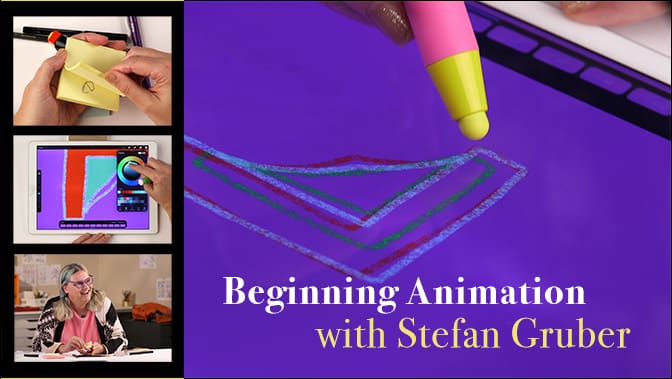
Beginning Animation with Stefan Gruber

Class Includes Lifetime Access, Online Community, Instructor Commenting, 5 Video Lessons

5 Lessons – $59.00

If you have ever wanted to bring motion into your art, this class is an opportunity to learn the basics of animation from a true creator of expressive films. Stefan is wonderful and will walk us through the basics of designing and building a simple animation. Procreate and an iPad is required.

Pre-recorded video class starting July 14th!


TEACHER: Stefan Gruber

Class Description

Beginning Animation with Stefan Gruber
Class Dates: July 14-23, 2026
5 Lessons • $59
_____

Hi! I’m Stefan Gruber (they/she), and I’ve been making animation for 40 years. I got my start on Post-It Note flipbooks which I would pass around in class when the teacher wasn’t looking. I studied in the Experimental Animation department at CalArts until 1999, where I created animation in many mediums—clay, paper, the body—but I have always felt very drawn to basic office supply art materials. A pilot pen and copy paper are the main things I use in my work. I have taught animation to all ages with a special focus on 13-19 yr olds for 25 years at Nova Alternative High school, the Frye Art museum, and dozens of other satellite workshops.

Animation is a way to express the ineffable for me. In my films I get to start with a mysterious concept that I feel drawn along by and often don’t have words for. Trusting this draw leads to a pattern I’ve grown to love—that a year or two after I’ve made a film I can look back on how it helped me get through an experience, and now that the film has been seen by many and I’ve had a chance to talk with others about it, that leads to me having words to describe the previously unexplainable experience.

Animation allows us to be the director, stage designer, actor of every creature and element—it’s theater in that way. I love sharing the process and so in this class we will start with a simple analog animation and then move to digital animation with Procreate.

 If you are new to animation and Procreate, I don’t think the technical parts are too difficult to navigate and I will walk through everything step by step… and in just a few lessons you will see your creations come to life (I love that moment! As a teacher it’s very gratifying to witness life emerge from marks on a page and seeing the creator’s eyes light up.).

 I hope you can join me!
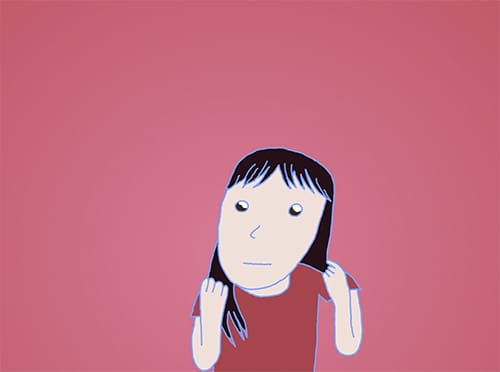
Stefan
_______________________________
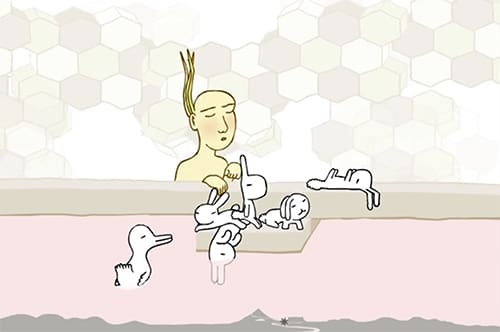
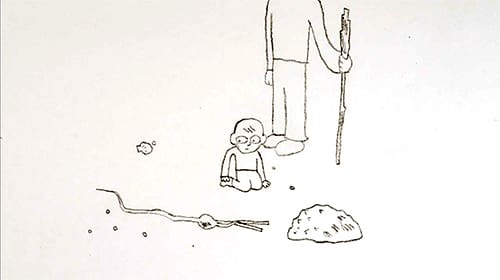
Click to see some of Stefan’s animations:

Anaelle

_______________________________

Class Itinerary

The video lessons are pre-recorded and will be available to view on the following schedule:

Lesson 1 – Tuesday, July 14
Lesson 2 – Wednesday, July 15
Lesson 3 – Friday, July 17

Lesson 4  – Tuesday, July 21
Lesson 5 – Thursday, July 23

_______________________________

Lesson Descriptions

Lesson 1 – Animation with Home Supplies
We’ll begin the class completely analogue as we want to start the process kinetically. You’ll get a benefit out of starting off animation in a physical format and getting the tactile feel of a flipbook and your markings on paper. We’ll animate with home materials—all things you likely already have or can find in an office supply store if not. On one 3″x3″ sticky note pad, you’ll start with a dot or line and make it speed up and slow down as you repeat it in shifting positions on each page. My advice is let the process dictate the end result rather than a preconceived idea, and this dot or line will wander and show it has a mind of its own. The goal is to answer the question “What is your intrinsic style of line?” at the end of Lesson 1 you will have made your first 3-second animation!
Lesson 2 – Beginning Steps for Animation on iPad Procreate
Now that you’ve made a tactile paper animation, you’re ready to see how digital tools can enhance your experience. We’ll again work with a simple line and see where it goes, and at the same time getting to know Procreate and the simple technical steps needed to both create and export your 3-10 second line animation.
Lesson 3 – Building a loop for your animated work
In this lesson we will learn how to “loop” your animation so that it can run continuously, as well as revisit each frame and add more lines in order to close the shapes, which will change your animation in unexpected ways. You will be encouraged to move slowly and let the animation flow!
Lesson 4 – Coloring Your Animation Loop
Now it’s time to add some color! First, go through each frame of your animation carefully to make sure there are no gaps in the linework, and then you’ll go through each frame of the animation and add color by dragging the color dot in the top right corner into the desired fill-in spot. We will think about color as an element of motion and change the colors slightly each frame… a subtle but exciting trick!
Lesson 5 – Adding a Sense of Space with Shadows
Now we’re going to take your animation even further by adding a shadow along an imagined landscape shape. This way your animated shapes will pop off the page and a sense of the space they live in will come into focus. We’ll add a grid to aid your shadow making. This process isn’t leashed to physics—you’ll want to look for your own mysterious way that shadows explore surfaces. Have fun with this, and then export your final animation for everyone to appreciate together!

_____________________________________

For a list of the supplies you will need, see the tab titled “Supplies” located just under the video screen above.



Supply List

Note: In all of our classes we encourage you to improvise with supplies you already have on hand!

– 3″x3″ pad of Post-It Notes

– black pen

– iPad

– Procreate App

– – a stylus (Stefan likes the ones made for kids! But an Apple Pencil works great too)

About the Teacher

Stefan Gruber (they/she) is an experimental animator and festival curator born in Seattle. You can usually find them creating films in their studio along the greenbelt, traversing the country to share their films live in theaters, galleries, and backyard shows or playing a three-person hexagonal chess variant of their own invention in Seattle cafes. Stefan curates Rock Paper Scissors festival of hand made animation at Bumbershoot and other fine venues.

Website: https://stefangruber.com

Nuts & Bolts

– The video lessons are pre-recorded and will be available to view on the following schedule:

Lesson 1 – Tuesday, July 14
Lesson 2 – Wednesday, July 15
Lesson 3 – Friday, July 17

Lesson 4  – Tuesday, July 21
Lesson 5 – Thursday, July 23

– We will provide two class FORUMS for you to (optionally) share your animations and enjoy and learn from the animations of others. You may also email your teacher directly with questions or feedback.

– You will have forever access to the class videos and materials!